Freemium v2.1.0.5

NotyGrid: Scientific Image Grid Maker for Publication-Ready Figures

Create clean, consistent, and publication-ready multi-panel figures from microscopy and research images. NotyGrid helps you arrange images, standardize panel sizes, add labels, apply scale bars, and export high-quality.

Windows macOS Web NotyGrid

Create Scientific Image Grids Without Manual Figure Editing

NotyGrid is a figure layout tool for researchers, students, and lab teams who need to prepare clean multi-panel scientific figures.

Instead of arranging images manually in PowerPoint, Photoshop, or general design tools, you can build structured image grids with controlled rows, columns, spacing, labels, scale bars, and export settings.

It is especially useful for microscopy images, SEM images, TEM images, optical microscopy, materials science reports, journal figures, presentations, and lab documentation.

Why Use NotyGrid for Scientific Figures?

Preparing a multi-panel figure manually can be slow and inconsistent. Panel sizes may not match, spacing may look uneven, labels may shift, and scale bars can become difficult to control across multiple images.

NotyGrid solves this by giving you a focused workspace for scientific image arrangement:

  • choose a grid preset or set custom rows and columns
  • keep sub-images consistent in size
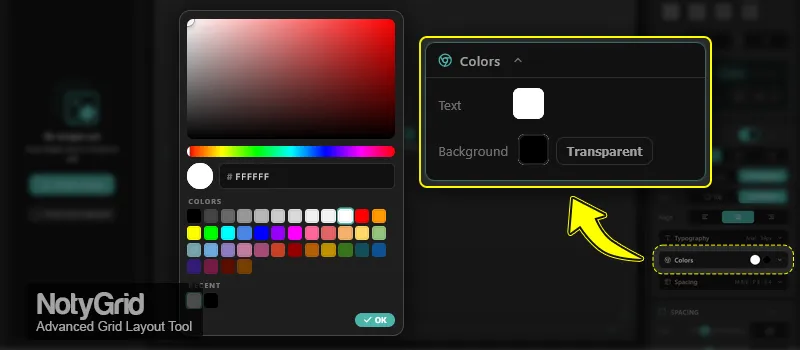
  • control gaps, padding, and background color
  • add automatic panel labels such as A, B, C or 1, 2, 3
  • apply scale bar presets across the grid
  • export figures with DPI and format control

Features

Grid Layout Presets

Start quickly with common scientific figure layouts such as 1×2, 2×2, 2×3, 3×3, and larger grids. You can also define custom rows and columns when your figure needs a specific structure.

Sub-image Sizing

  • Auto sizing for quick, consistent results
  • Manual width/height control when you need exact panel dimensions
  • Pick size from an existing image to standardize the whole grid faster

Canvas Controls

  • Gap control between cells
  • Outer padding control
  • Background color selection with live preview

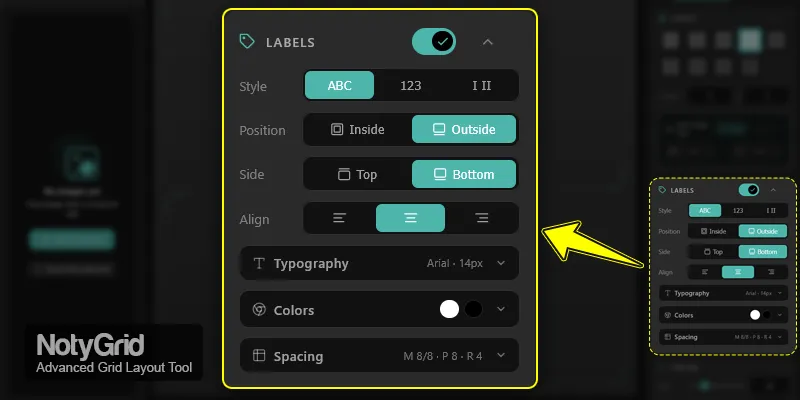
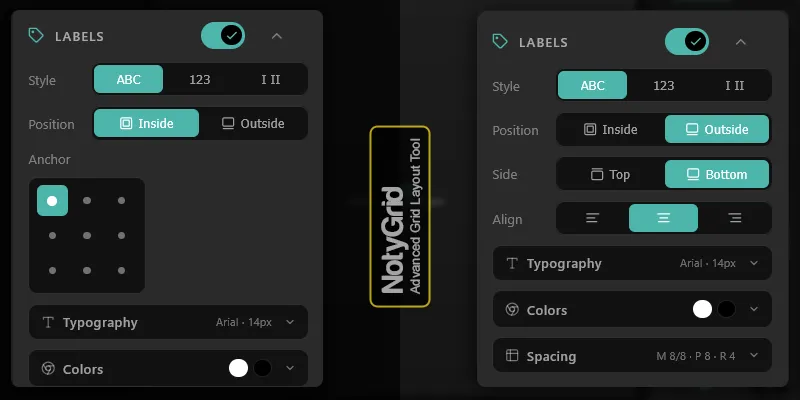
Labels

  • Label styles: ABC, 123, Roman
  • Inside vs outside positioning
  • Inside anchor control via a 9-point selector
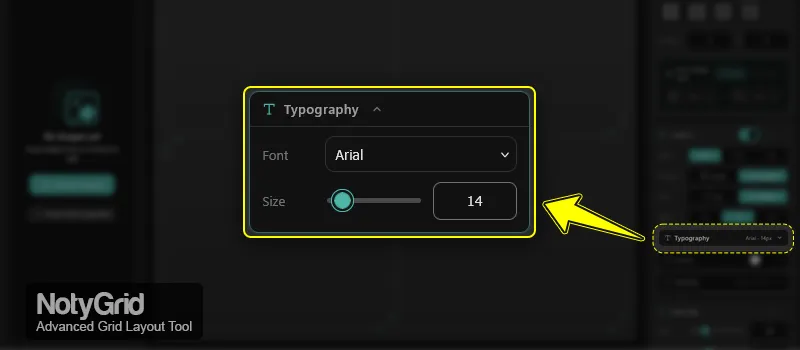
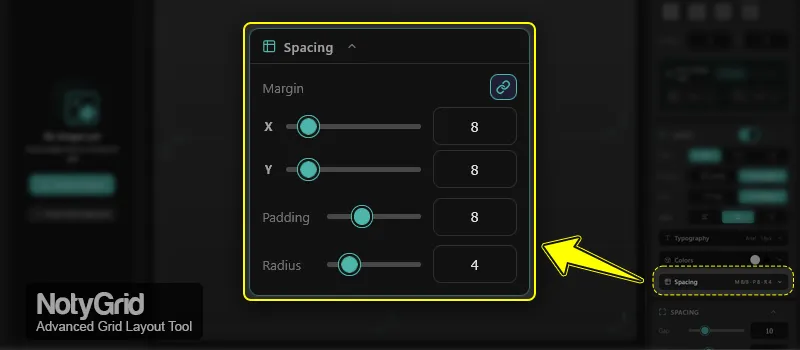
  • Typography controls (font + size) and spacing options for readability

Scale Bars

  • Apply a saved scale bar style preset across the grid
  • Choose a global anchor position
  • Fine-tune placement using margin X/Y controls with link mode

Export

  • Export from either the toolbar or Settings panel
  • Auto-fit output size to current content
  • DPI control with presets and manual input
  • Width/height in pixels with an aspect-ratio lock
  • Physical size preview in cm and inches
  • Format selection with pinned quick formats + More menu
  • Supported formats: PNG, JPEG, WebP, TIFF, BMP

Who Is This For?

Scientific Papers & Journal Figures

Create consistent multi-panel figures with labels and scale bars, exported at print-ready DPI.

Lab Reports & Technical Documentation

Build clear, structured grids that are easy to scan and reference in reports, SOPs, and internal docs.

Presentations & Teaching Materials

Standardize panel sizing and spacing to keep slides readable and visually balanced.

Before/After & Comparison Panels

Arrange controlled comparisons (methods, samples, magnifications) in a compact grid with consistent annotation.

Dataset Review & Annotation Workflows

Use labeled grids to review batches of images quickly and keep visual context organized.

Screenshots

Try It Free, Upgrade When Ready

Start using NotyGrid: Scientific Image Grid Maker for Publication-Ready Figures with the free plan. Unlock advanced features when you're ready

  • Free plan available
  • No credit card needed
  • Cancel anytime
  • Available on Windows, macOS, Web