
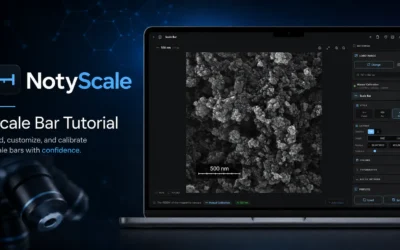
How to Add a Scale Bar to an SEM Image Online Without ImageJ
Use the guided NotyScale Workflow to load a SEM image, manually calibrate it, optionally prepare the image, add a publication scale bar, set its length, and open export.
Press Ctrl+K to search anytime
Use the guided NotyScale Workflow to load a SEM image, manually calibrate it, optionally prepare the image, add a publication scale bar, set its length, and open export.
Check columns, units, sample labels and missing values before importing experimental data into NotyPlot for a plot or technique-based analysis.
Review coating layers, thickness and porosity in one thermal spray analysis, then compare saved results using consistent sample settings.
Add readable text and arrows to a scientific composition in NotyFigure, organize the layers and check the export at the intended figure size.
Keep original images, sample context and saved outputs together in NotyLibrary so you can find the right material when continuing an analysis.
Arrange microscopy images into a labeled figure in NotyGrid. Review panel order, cropping, calibration and readability at the final size.
Choose a particle segmentation method and inspect object boundaries, touching objects and edge exclusions before accepting measurements.
Follow a practical cross-section thickness procedure: calibrate the image, review layer boundaries, sample profiles and inspect the summary.