Analyze Phase Percentage
Check the microscopy image, identify phase regions, calculate area percentages, and review overlay readability.
Press Ctrl+K to search anytime
Check the microscopy image, identify phase regions, calculate area percentages, and review overlay readability.
Check cross-section quality, calibrate scale, measure coating or layer thickness, and review the final annotated result.
Check scientific data files, detect or label peaks, and review the final spectrum or curve before export.
Import XRD, FTIR, UV-Vis, TGA, DSC, CSV, or TXT files, plot the data, and check the final graph before export.
Check image quality, calibrate scale, measure geometry in real units, and review annotations before export.
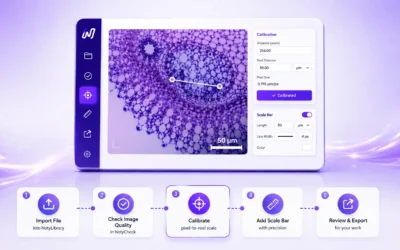
Import a microscopy image, select calibration, crop or improve it if needed, then add an accurate scale bar and export the final image.
Arrange calibrated images into a multi-panel figure, then check labels, panel consistency, scale bars, and export quality.
Review scientific images, plots, and figure exports for scale bars, labels, resolution, layout consistency, possible duplicates, and export quality.